Cleanup
Linux Duplicate Finder
(lin-dedup)
Find and safely remove duplicate files.
Local · offline-first
How to install: Install the app package or run the included install script; a no-admin user install is available.
Overview
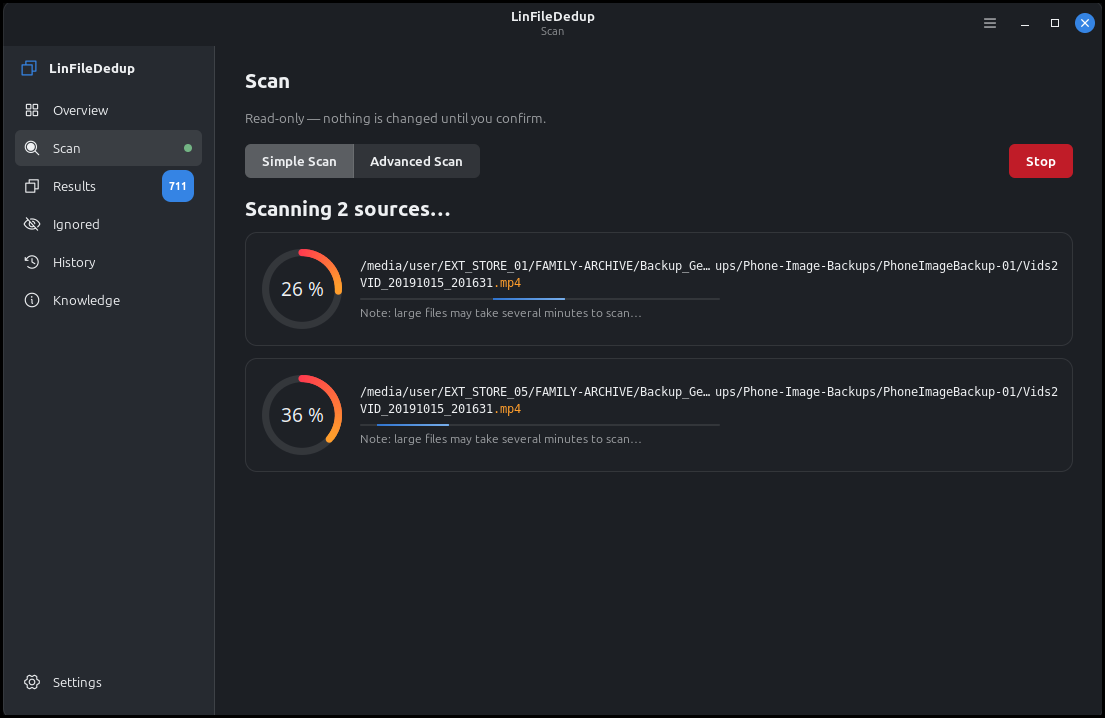
LinFileDedup finds exact duplicates, look-alike images and near-identical documents across your folders and drives, and helps you reclaim space without fear of deleting the wrong thing. Nothing is removed until you review each group and confirm, and deletions go to the trash by default. It treats several folders or drives as one pool, so backups and originals are matched together.
Platform: Linux desktop
Features
Finds exact duplicates plus similar images and near-identical documents
Review each group side by side before anything is removed
Preview real content: full images, document pages, and video
Scan many folders and drives at once as a single pool
Flags likely backup copies so you keep the originals
Faster repeat scans that remember unchanged files
Safe by default: confirm first, and removals go to the trash
History that shows exactly how much space you reclaimed
What you can do
1Scan several folders or drives at once for duplicate files.
2Compare files side by side to confirm before removing anything.
3Reclaim space safely, with everything sent to the trash by default.
4See a history of past cleanups and how much space you saved.
Get Linux Duplicate Finder
Download comes straight from the project's source on GitHub — nothing is hosted here.
Download