Capture
Linux Screen Shot Tool
(lin-screencapture)
Capture, annotate and manage screenshots in one place.
Local · offline-first
How to install: Run the one-command installer, which sets everything up and adds it to your desktop; other install methods are documented.
Overview
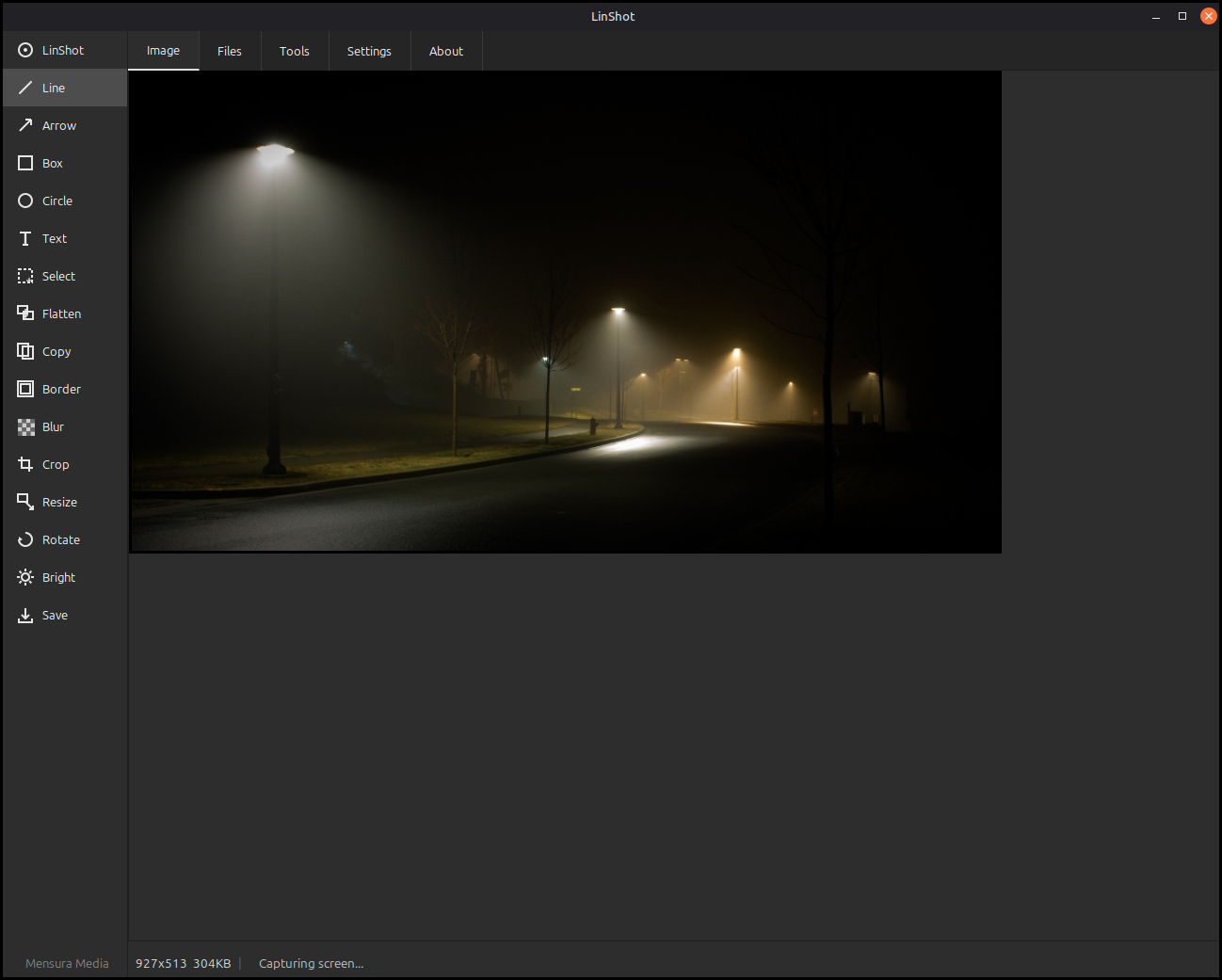
LinScreenCapture lets you grab a screenshot with a quick area selection, then mark it up with a full set of drawing and editing tools, all in a clean dark interface. Add arrows, boxes, text and highlights, blur out anything sensitive, then crop, resize or adjust the image before saving. A built-in browser keeps all your captures organized and ready to reopen.
Platform: Linux desktop
Features
Quick area capture with crosshair and live size readout
Full annotation kit: lines, arrows, boxes, circles, text and freehand
Blur tool to hide sensitive details before sharing
Crop, resize, rotate, flip and adjust brightness and color
Generous undo across both drawings and image edits
Per-tool color, width and shadow settings you can save
Built-in image browser to view, open and delete past captures
Captures copy to the clipboard and save on their own
What you can do
1Capture any area of your screen with a simple click-and-drag.
2Annotate screenshots with arrows, text, shapes and highlights.
3Blur or redact sensitive parts before you share an image.
4Browse and reopen your past captures from one place.
Get Linux Screen Shot Tool
Download comes straight from the project's source on GitHub — nothing is hosted here.
Download